To film the film opening we used an iPhone 6 which may not be the most professional piece of equipment to use but we did not have access to a high end camera as we don't have a budget to work with. Although we used an iPhone it still contains a high definition camera that records at 60 frames per second therefore providing the video with a far smoother quality.
After the filming we begun to edit our film opening with the use of multiple programs including Adobe Photoshop which was used to create the film title. We used Photoshop as it allows us to create graphics therefore it was suitable for the text/title of the film to be made using it. It provided us with the option of making it be suitable colours and adding further effects to it such as gradients. To edit the actual footage we started with iMovie on the Macs just to order the videos correctly and begin stitching them together. After that had rendered we used a software named Camtasia which is a more professional editing software and it gave us further options such as overlapping more sounds plus it was far easier to use compared to iMovie.
I learnt how to use iMovie and the basics to the software as aait was my first time using it, it is not my preferred editing software for video as it is far more complicated compared to other software I am more familiar with using such as Camtasia or Sony Vegas.
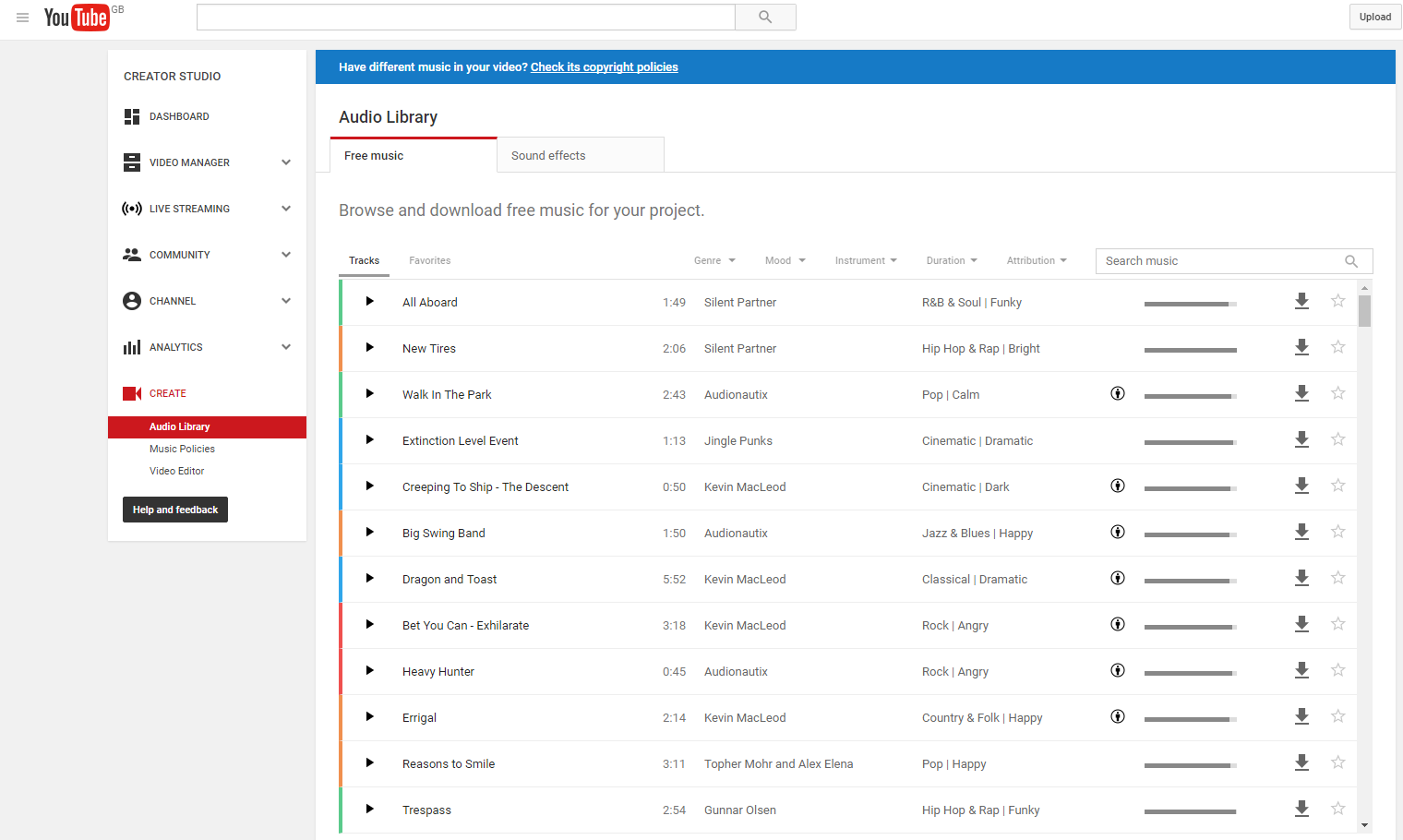
The sound effects in the background of the film openings such as the birds, gun shots and the music were all obtained through the YouTube creator section which are all copyright free and anyone can use them as long as you have a YouTube account.

No comments:
Post a Comment